Vouchers
Vouchers:
Vouchers Creation:
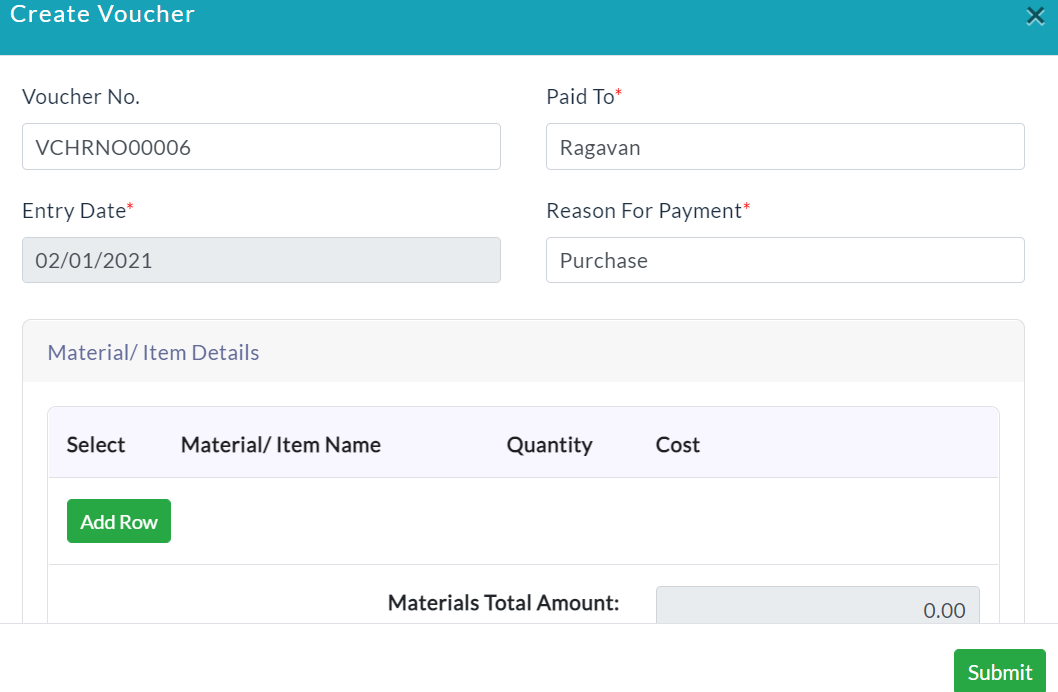
- Click Create Voucher.
- A new voucher form will be displayed.
- Enter the required data.
- Click Submit.
A list of created Vouchers details is displayed.
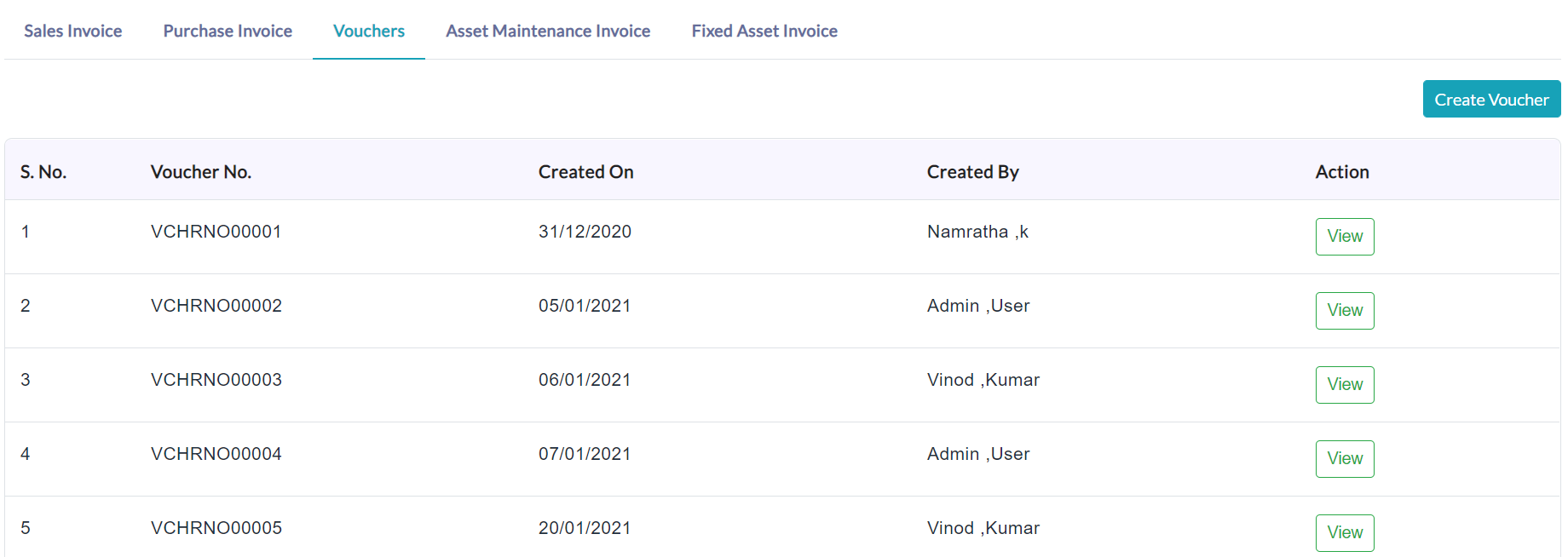
On clicking a particular voucher View button, the complete details of the specific voucher will be displayed.
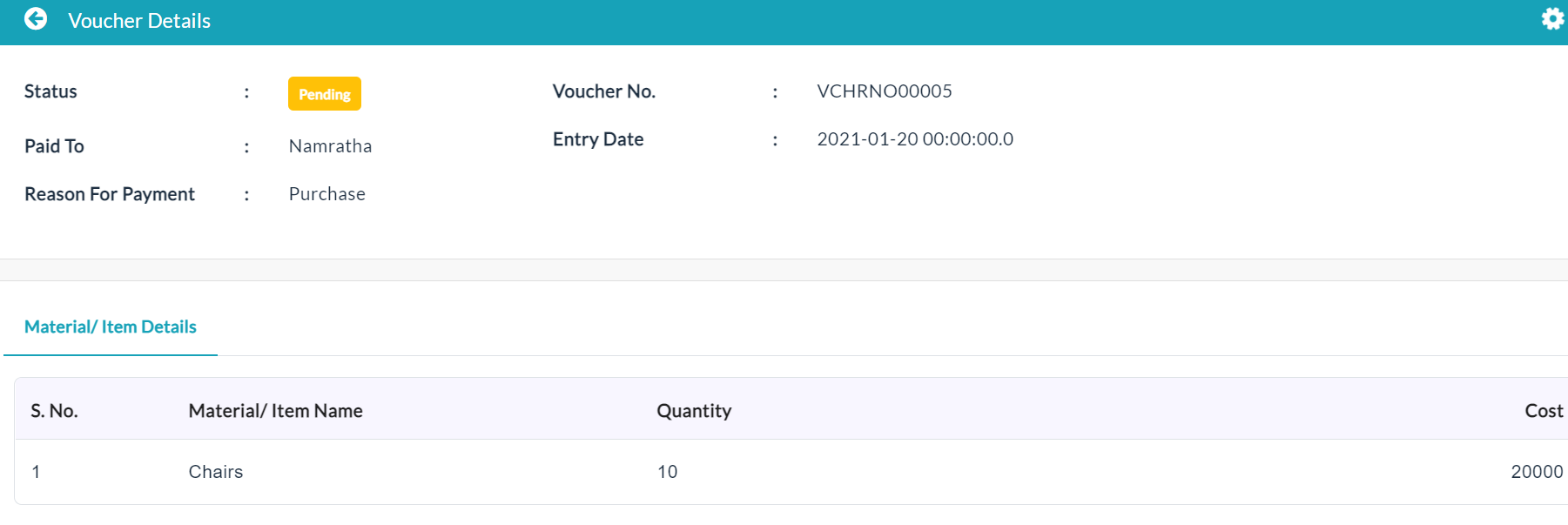
Material/ Item Details:
On clicking the Material/ Item Details tab, the complete details of that material/ item related data are displayed.

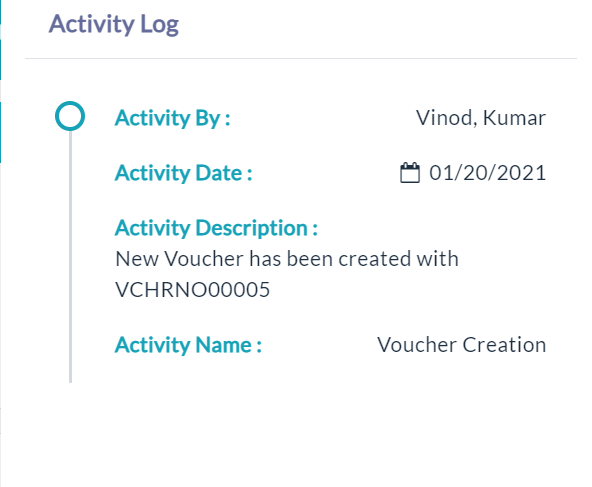
Activity Log:
- Click the View(Gear Icon) option to view details of activity log.
Created with the Personal Edition of HelpNDoc: Produce online help for Qt applications