Schedule a Call
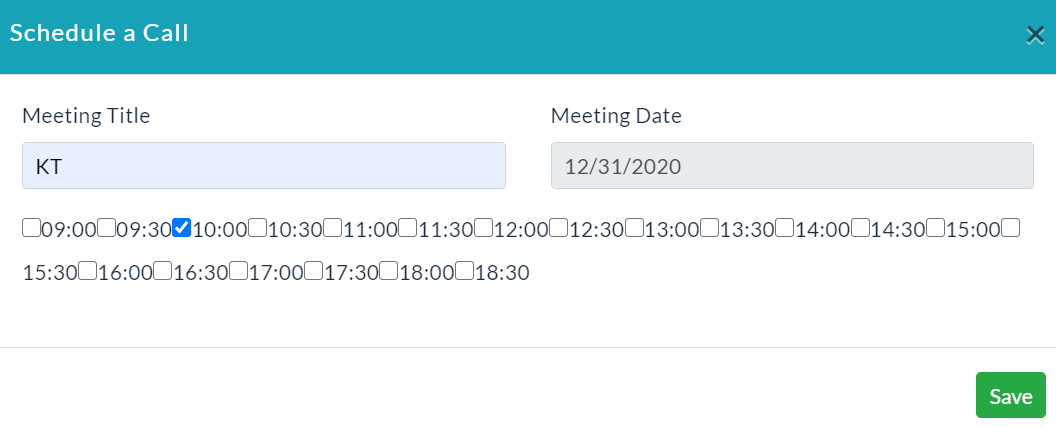
Schedule a Call:
To Schedule a Call:
- Click on the Schedule a Call button.
- Schedule a Call form will be displayed.
- Enter the meeting title and meeting date.
- Click Save.
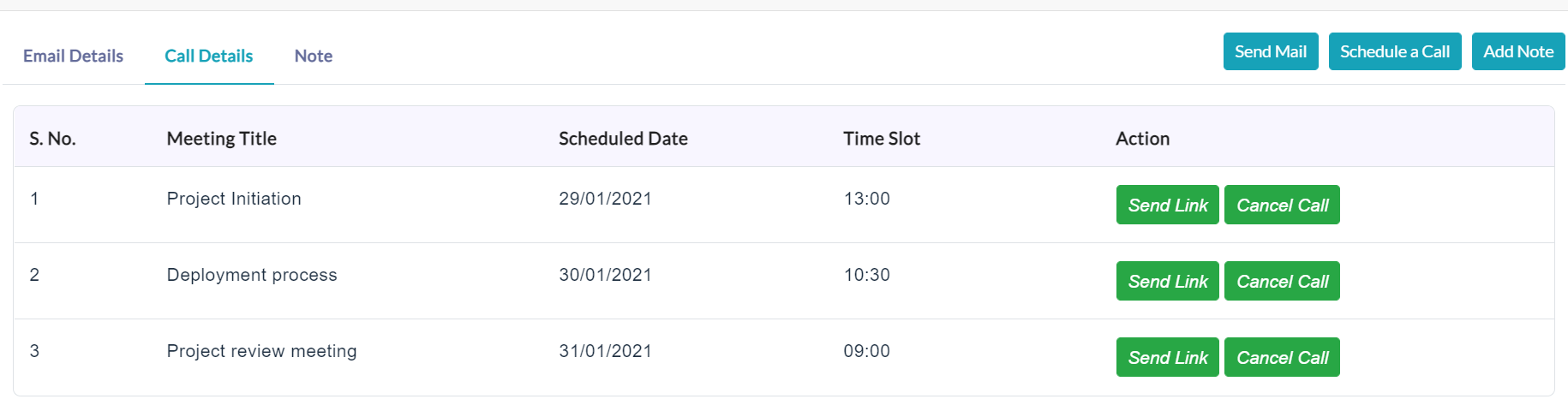
On clicking the Call Details tab, it shows scheduled call details of the particular contact will be displayed as shown in the below screenshot.
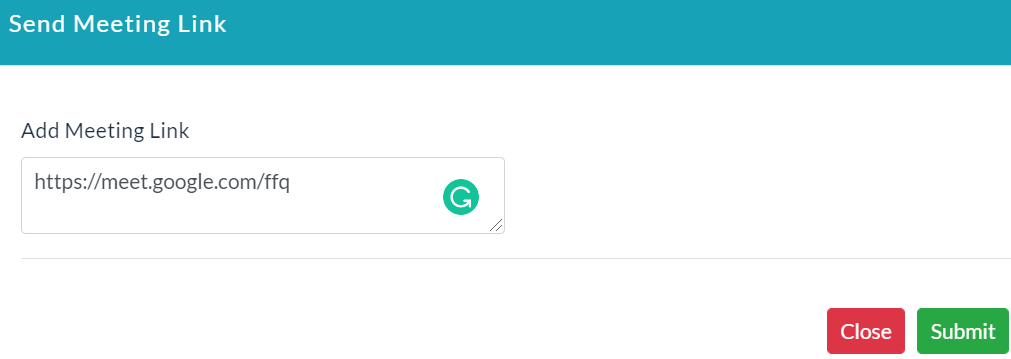
Send Link:
- In Action section, click the Send Link button to send a meeting link before the call starts to a particular contact.
- Click on Send.
Created with the Personal Edition of HelpNDoc: Free Kindle producer