Sales Payments
Sales Payments:
Sales Payment Creation:
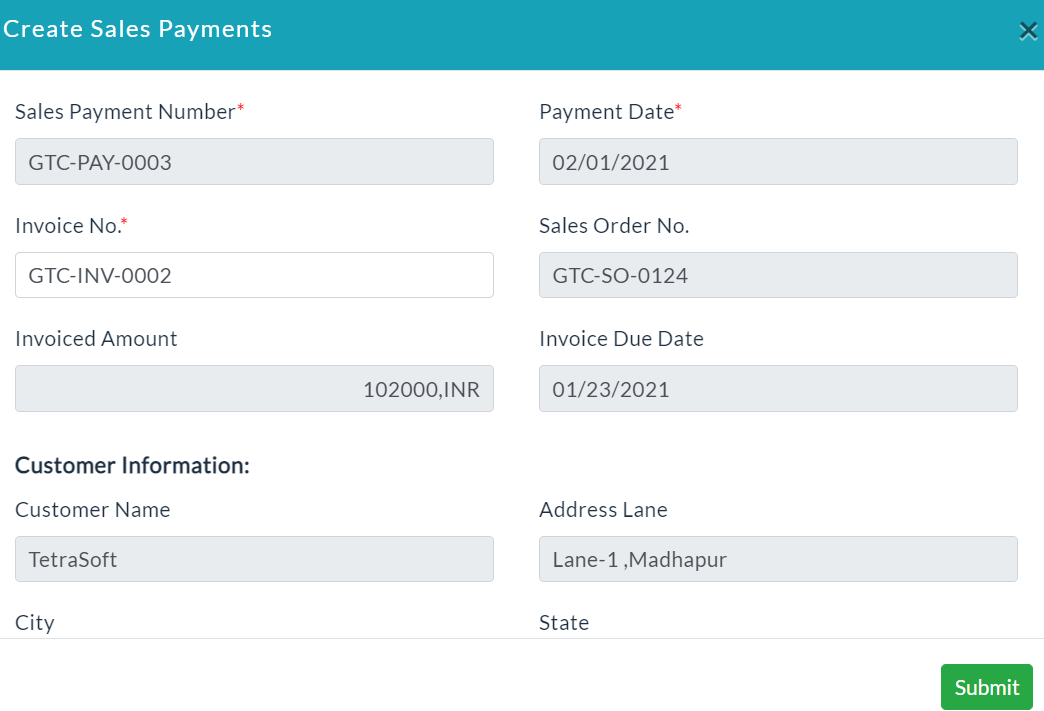
- It is used to create new Sales Payments with the following sections as shown in the screenshot.
- In the Sales Payments creation, approved invoices list is displayed when the invoice No. section is clicked.
- After selecting the invoice, the sections get auto-populated with the invoice data.
Sales Payments Details:
It displays the list of Sales Payments created with the following sales details.
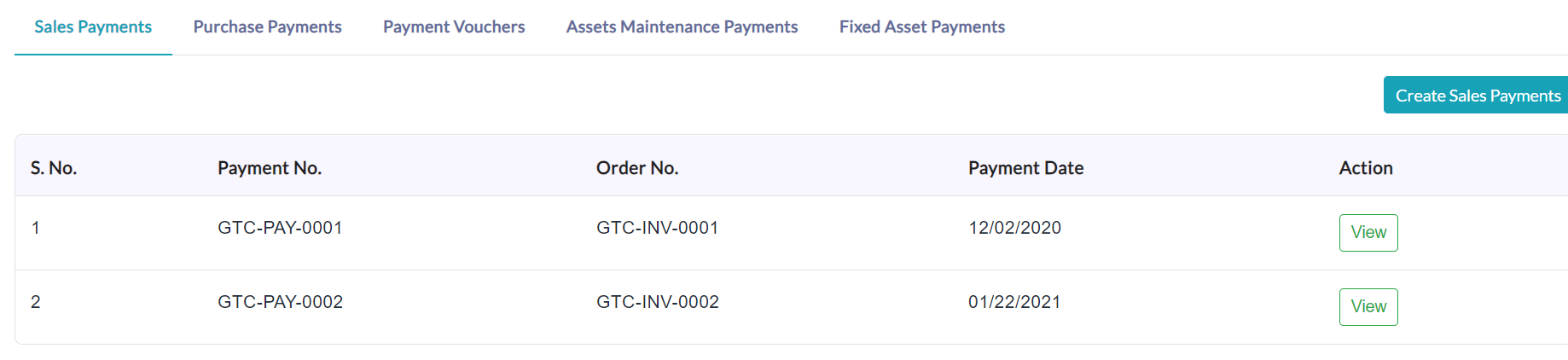
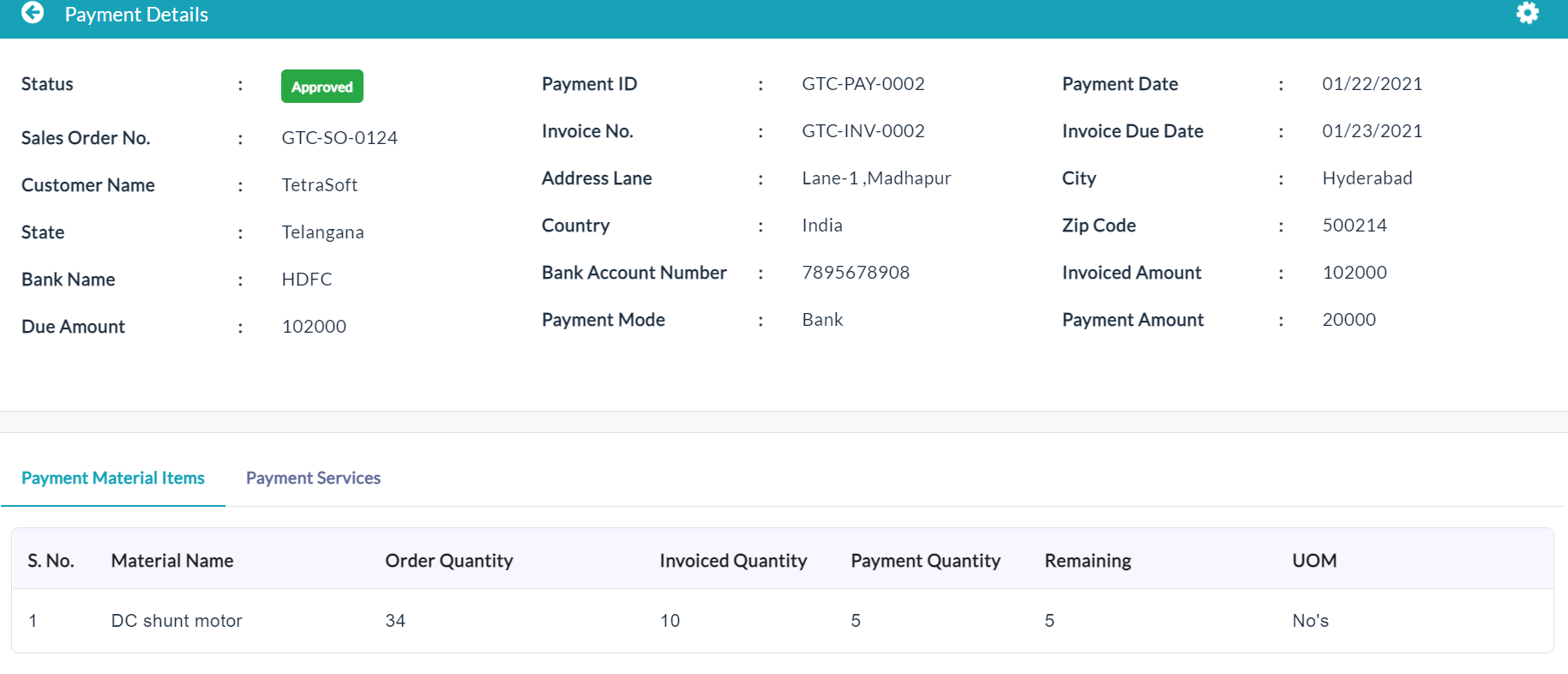
On clicking a particular Sales Payments View button, the complete details of the Sales Payments will be displayed.
Payment Material Items:
On clicking the Payment Material Items tab, the complete details of the invoices related to material items will be displayed.

Payment Services:
On clicking the Payment Services tab, the complete details of the invoices related services will be displayed as shown in the screenshot.

Created with the Personal Edition of HelpNDoc: Write eBooks for the Kindle