Purchase Payments
Purchase Payments:
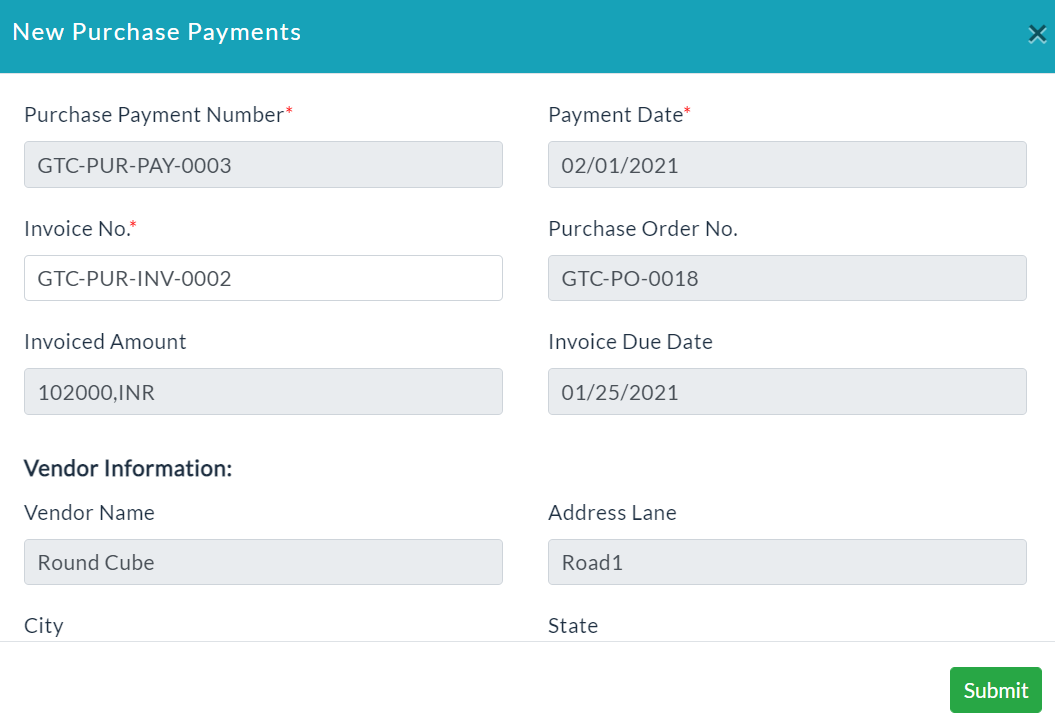
Purchase Payments Creation:
- In the Payments, click on the Purchase Payments tab.
- Click Create a Purchase Payments.
- A new Purchase Payments form will be displayed.
- Enter the required data.
- Click Submit.
Purchase Payments Details:
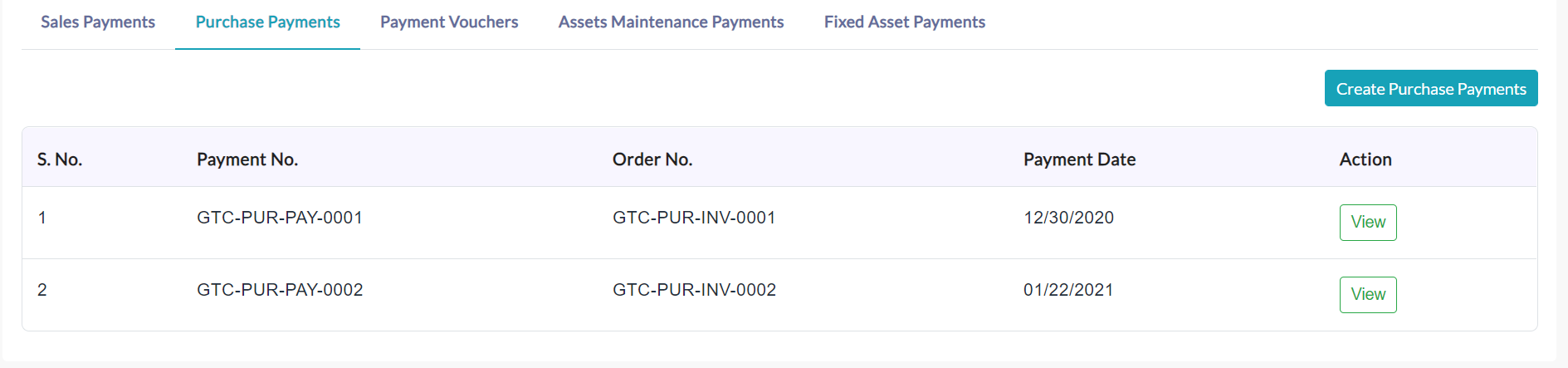
It displays the list of the Purchase Payments created with the following purchase details.
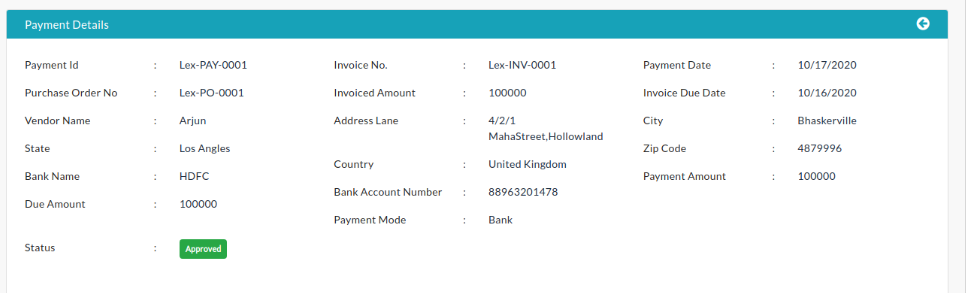
On clicking a particular Purchase Payments View button, the complete details of the Purchase Payments will be displayed as shown in the screenshot.
Payment Material Items:
On clicking the Payment Material Items tab, the complete details of the Invoices related to material items will be displayed as shown in the below screenshot.

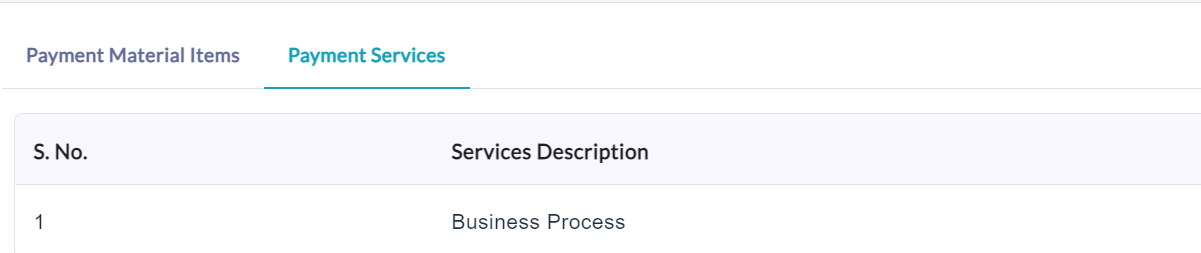
Payment Services:
On clicking the Payment Services tab, the complete details of that Invoices related services will be displayed as shown in the below screenshot.
Created with the Personal Edition of HelpNDoc: Easy to use tool to create HTML Help files and Help web sites