Materials
Materials:
Create Material:
In the Material Management menu, click Materials Option. For adding material details follow the below steps.
- Click Create Material.
- Enter the details of the material.
- Click Submit.
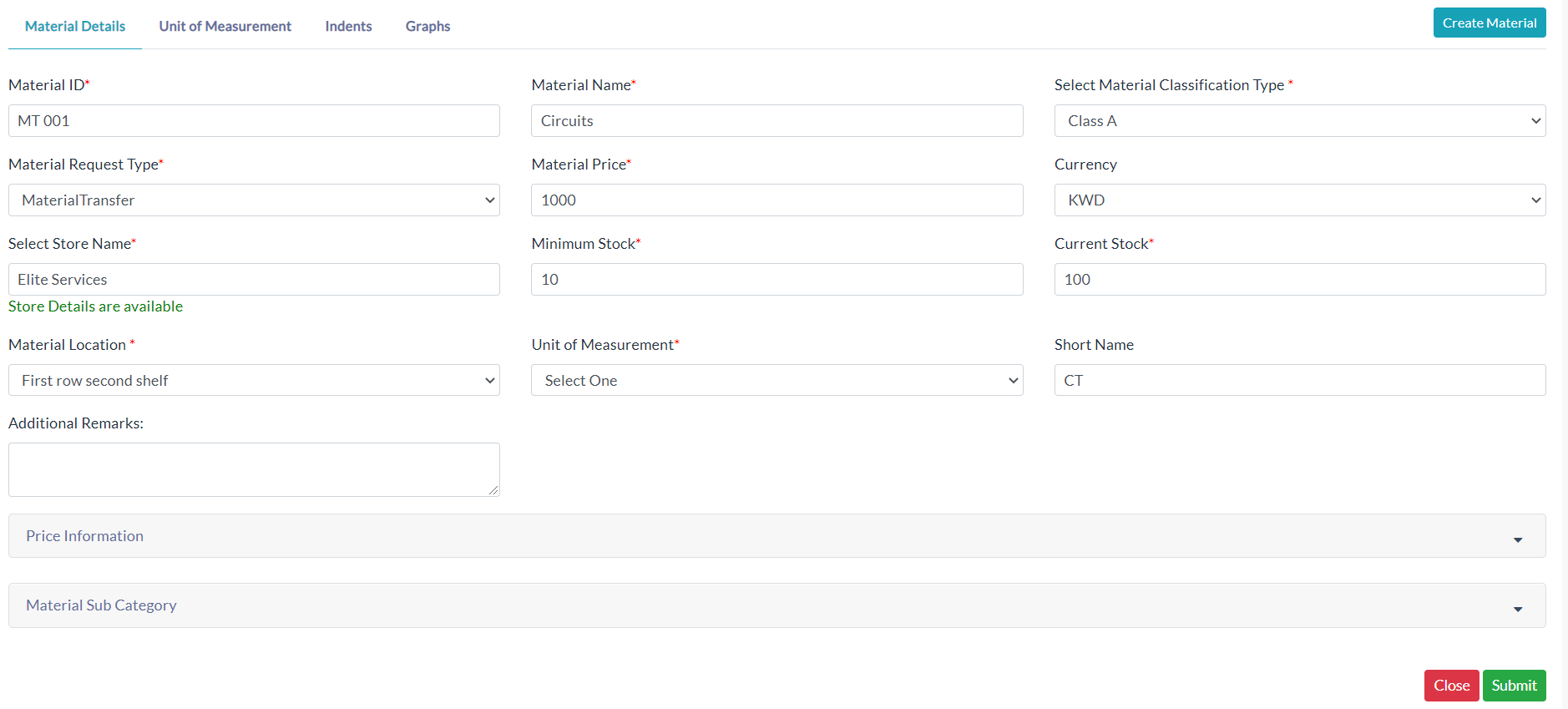
Material Details :
The list of existing material details is displayed in the Material Details section.
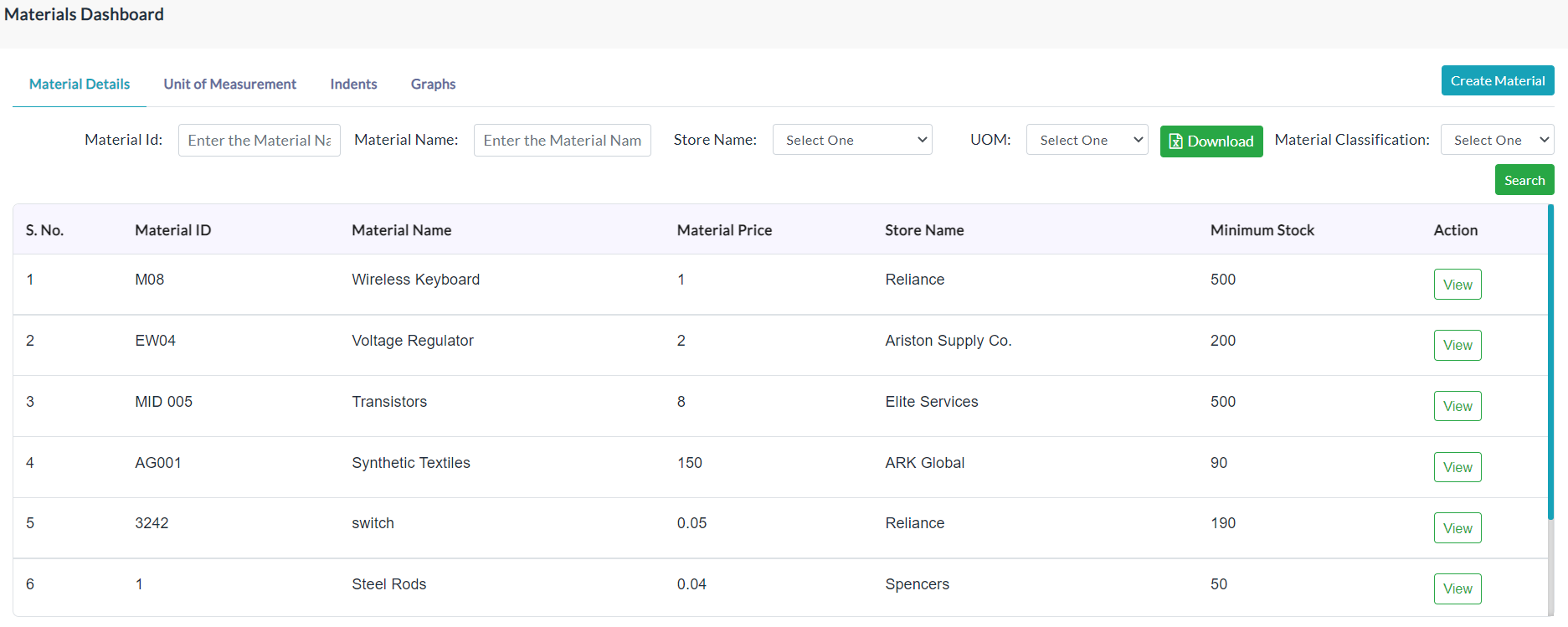
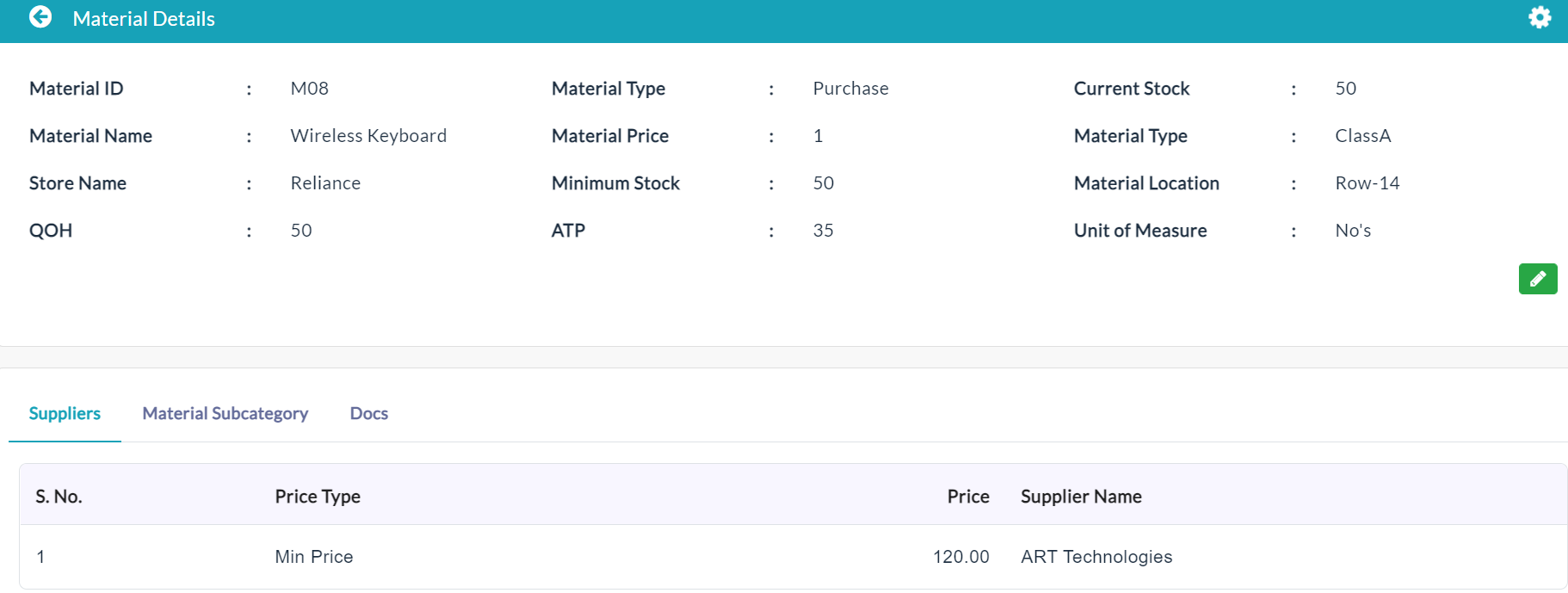
In the Action section, click the View button to view the specific material details.
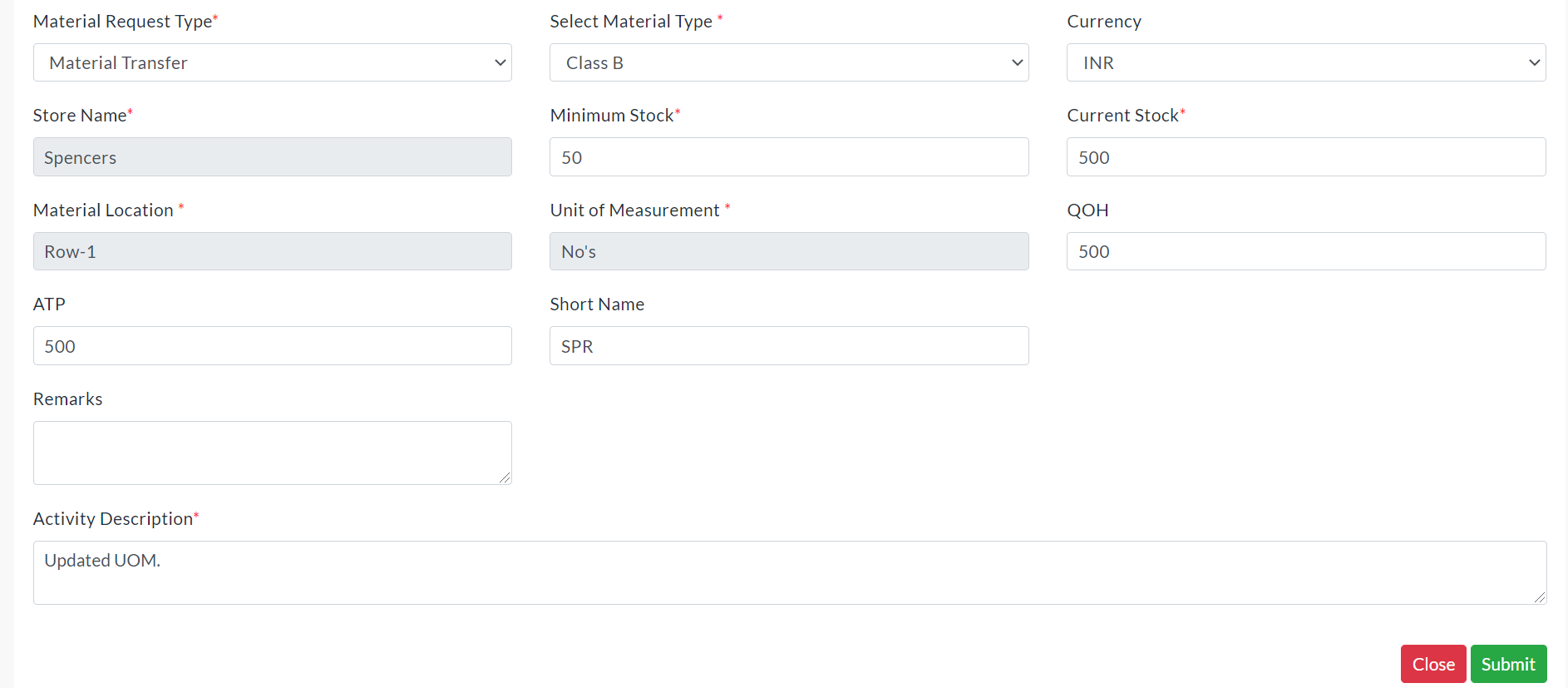
Edit Material Details:
- Click the Edit (Pencil Icon) option to edit the specific material details.
- Make your changes, then click Submit.
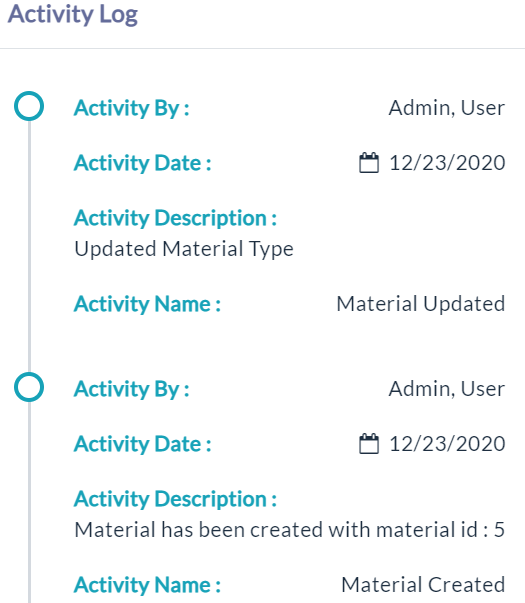
Activity Log:
- Click the View(Gear Icon) option to view details of activity log.
Suppliers:
On clicking the Suppliers tab, the details of a supplier who has specific materials with price details are displayed.

Material Sub Category:
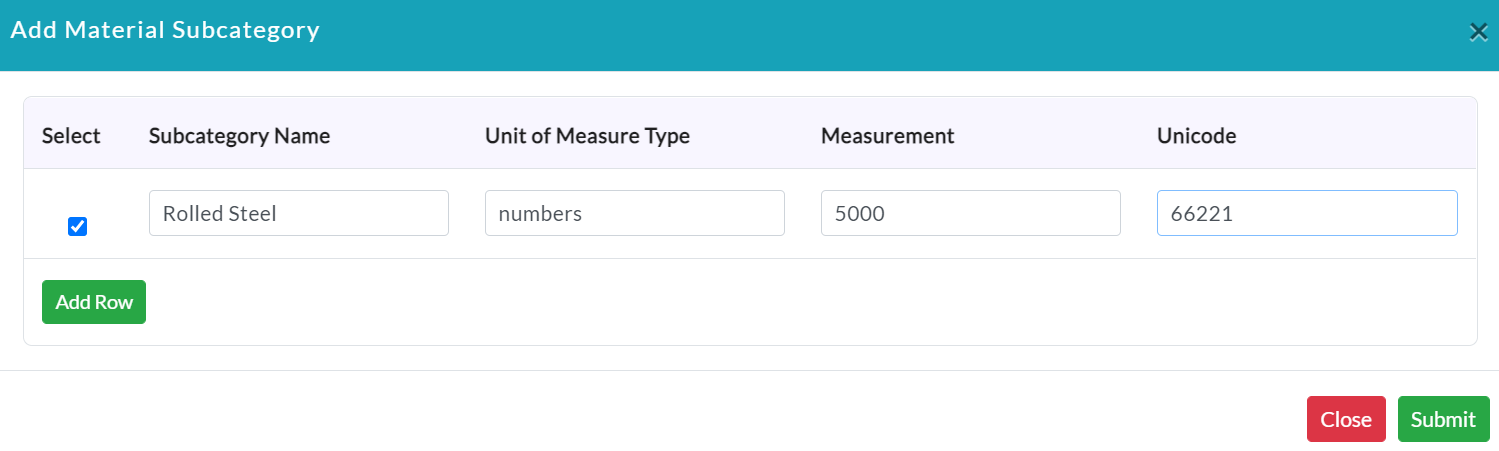
Add Material Sub Category:
- Click the Add Material Sub Category.
- Enter the required data.
- Click Submit.
A list of material subcategory details is displayed.

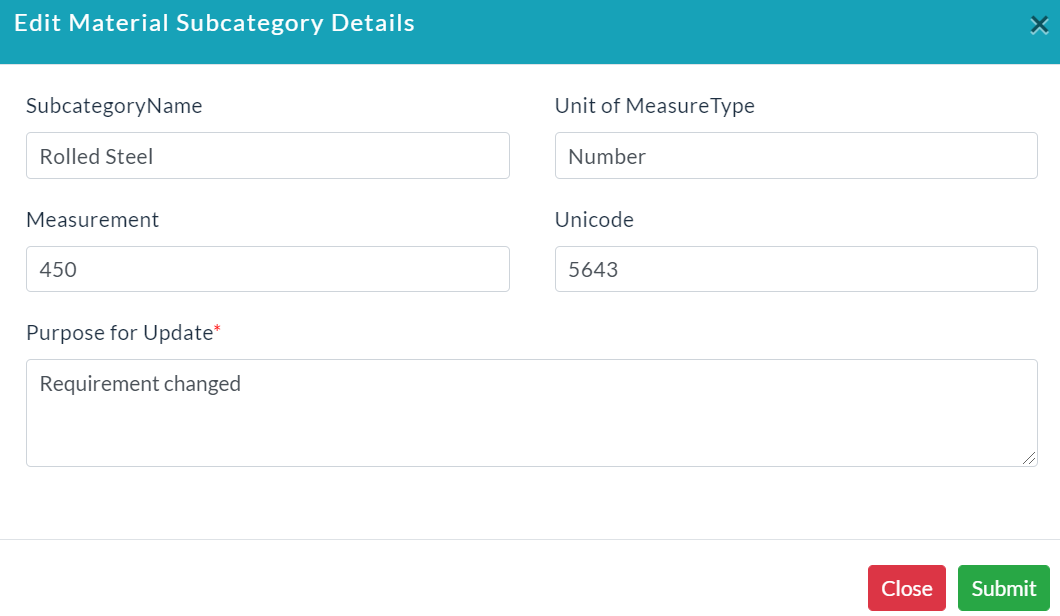
Edit Material Sub Category:
- Click the Edit (Pencil Icon) option to edit the specific material subcategory details.
- Make your changes, then click Submit.
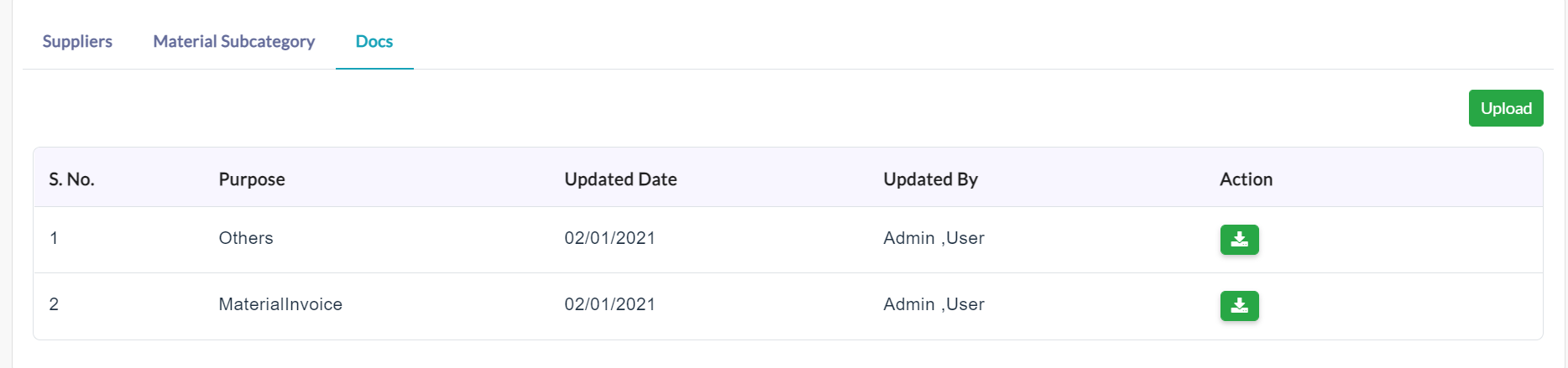
Docs:
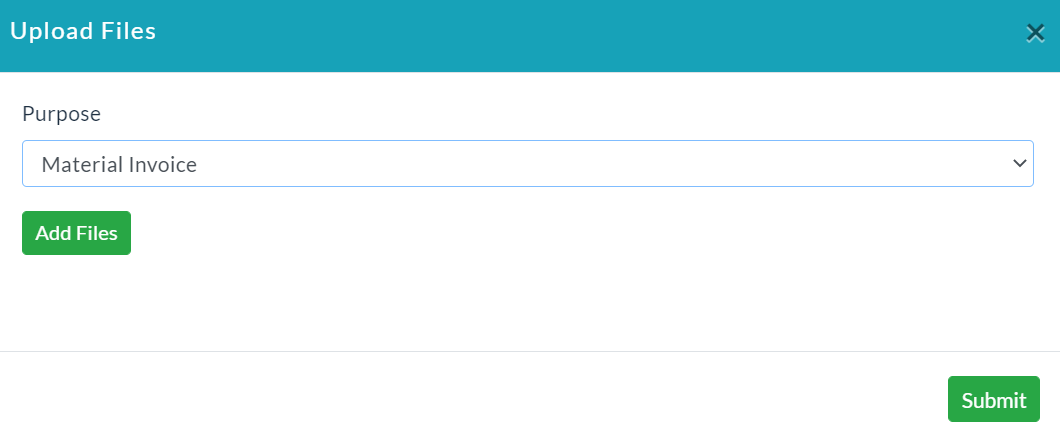
- Click on Upload button for uploading documents.
- Enter relevant data.
- Click Submit.
A list of uploaded files is displayed.
Unit Of Measurement:
- In the Material Management menu, click on Materials.
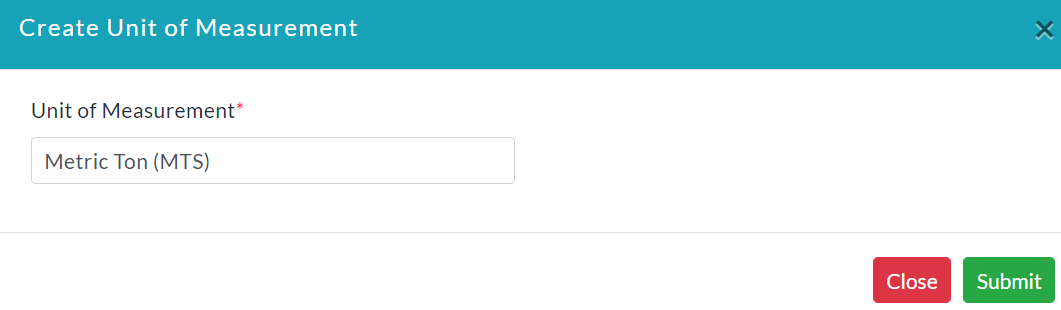
- Click the Unit of Measurement.
- Enter the unit of measurement.
- Click Submit.
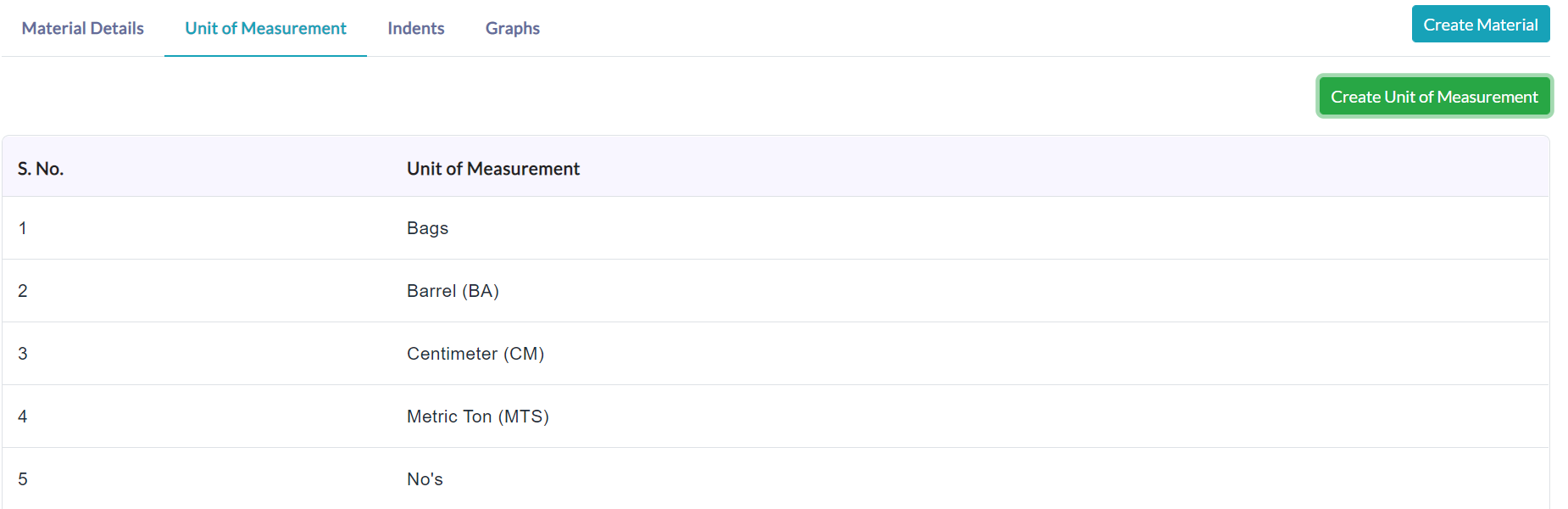
It displays the list of the unit of measurement created with the following details.
Created with the Personal Edition of HelpNDoc: Produce Kindle eBooks easily