Leave Management
Leave Management:
In the HRM menu, click Leave Management.
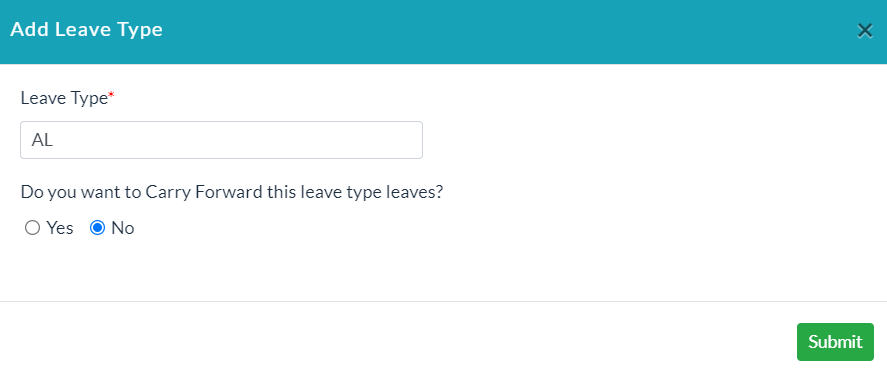
- Click Add Leave Type.
- Enter the required data for leave type.
- Click Submit.
- You can see how many leaves are available to a specific employee for that specific leave type.
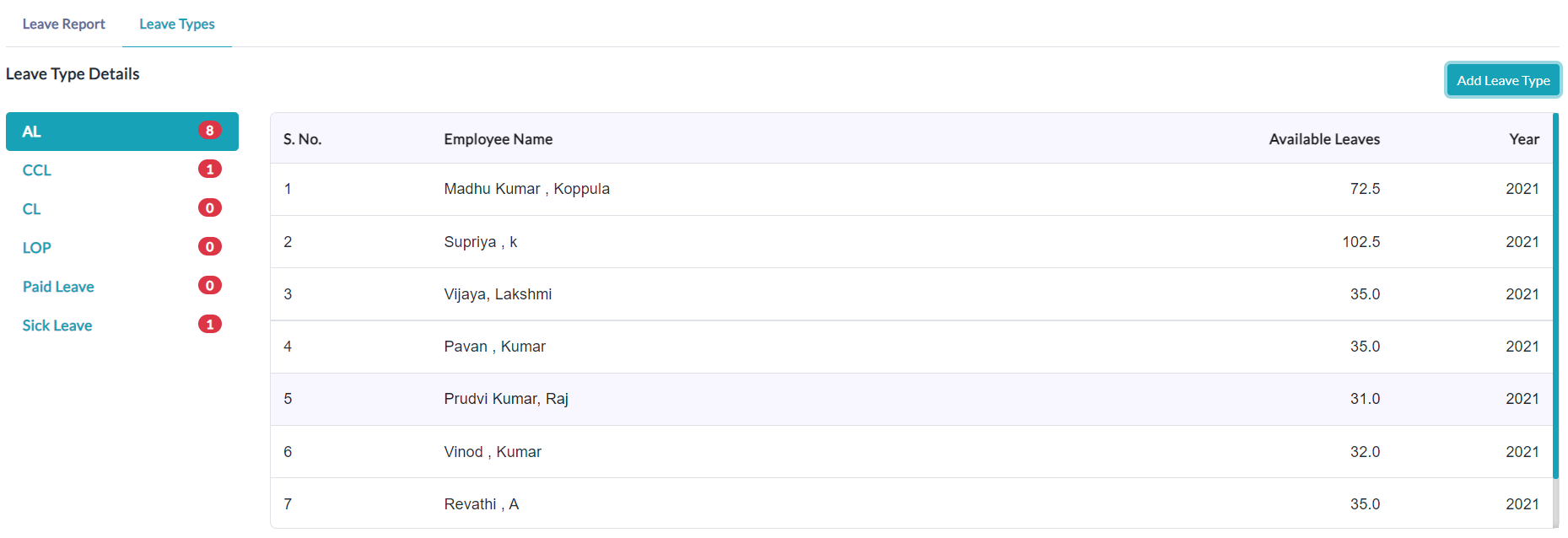
- When the leave is approved, an employee list of leaves is displayed with specific columns.

Created with the Personal Edition of HelpNDoc: Single source CHM, PDF, DOC and HTML Help creation