Convert Contact into Customer
Convert Contact into Customer:
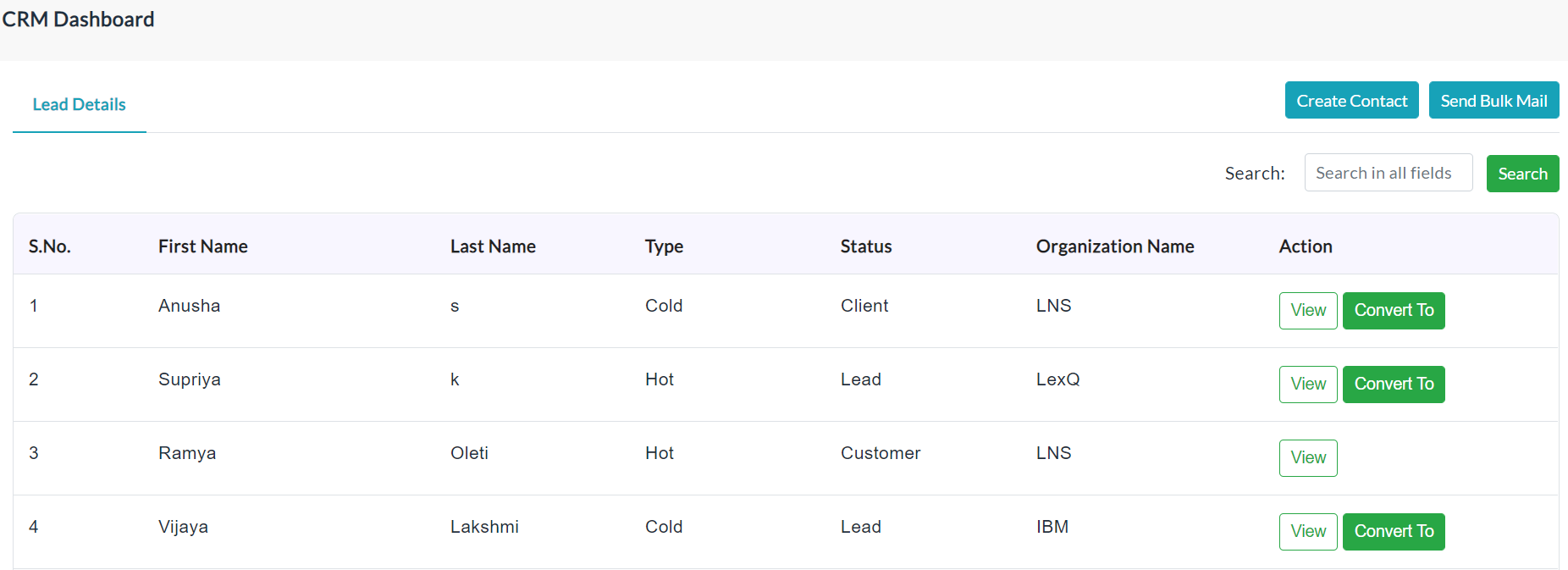
After the conversations with the contact, you can convert a contact into a customer.
To Convert Contact into Customer:
- Click on the Convert To button of the particular contact.
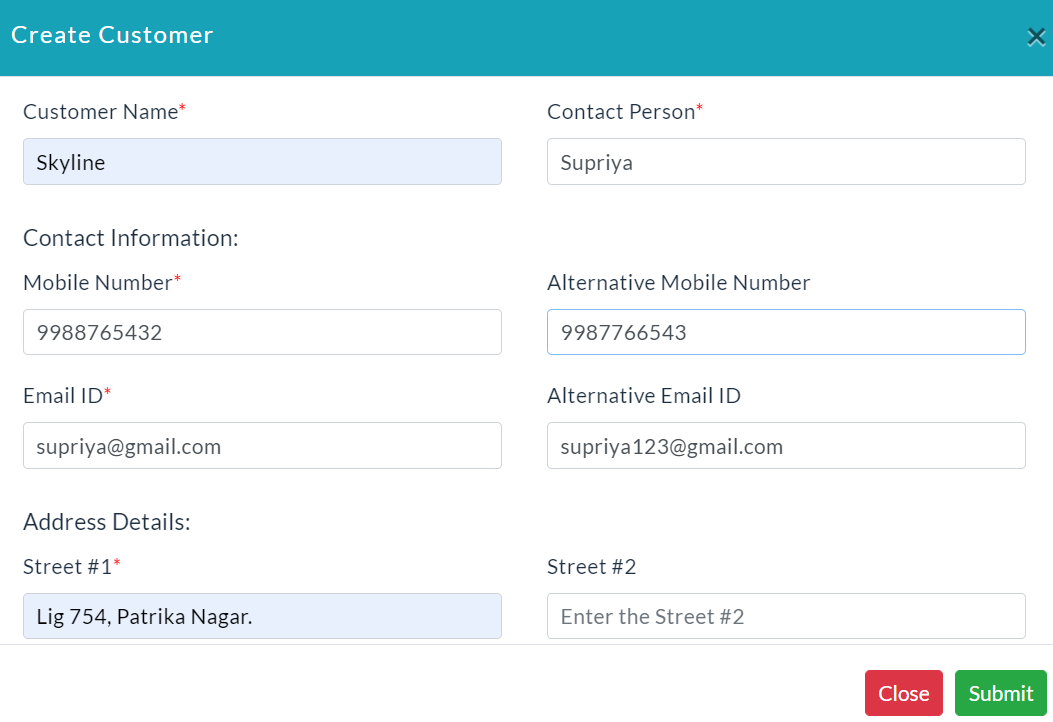
- Create Customer form will be displayed.
- Enter the details of the customer.
- Click Submit.
The following screenshot shows the Create Customer form.
Created with the Personal Edition of HelpNDoc: Create help files for the Qt Help Framework