Accounting Settings
Accounting Settings:
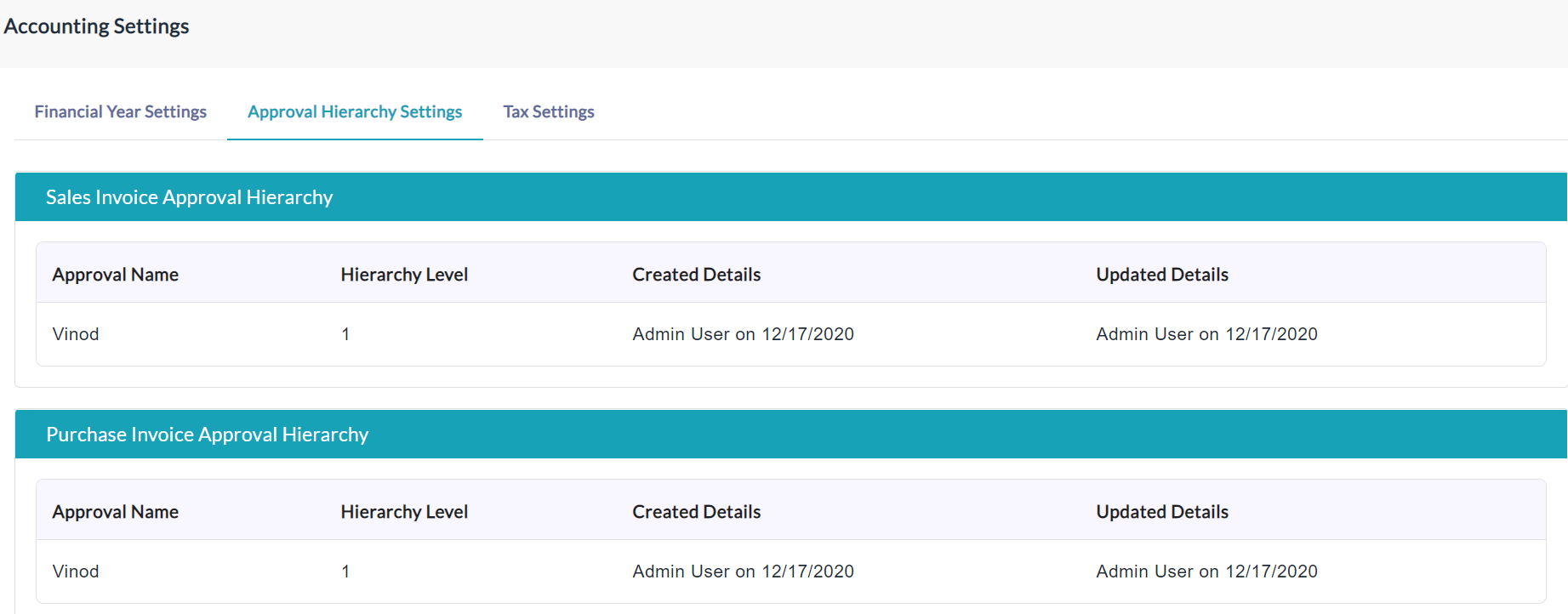
Approval Hierarchy Settings:
It displays the list of details of the account settings of the approval hierarchy.
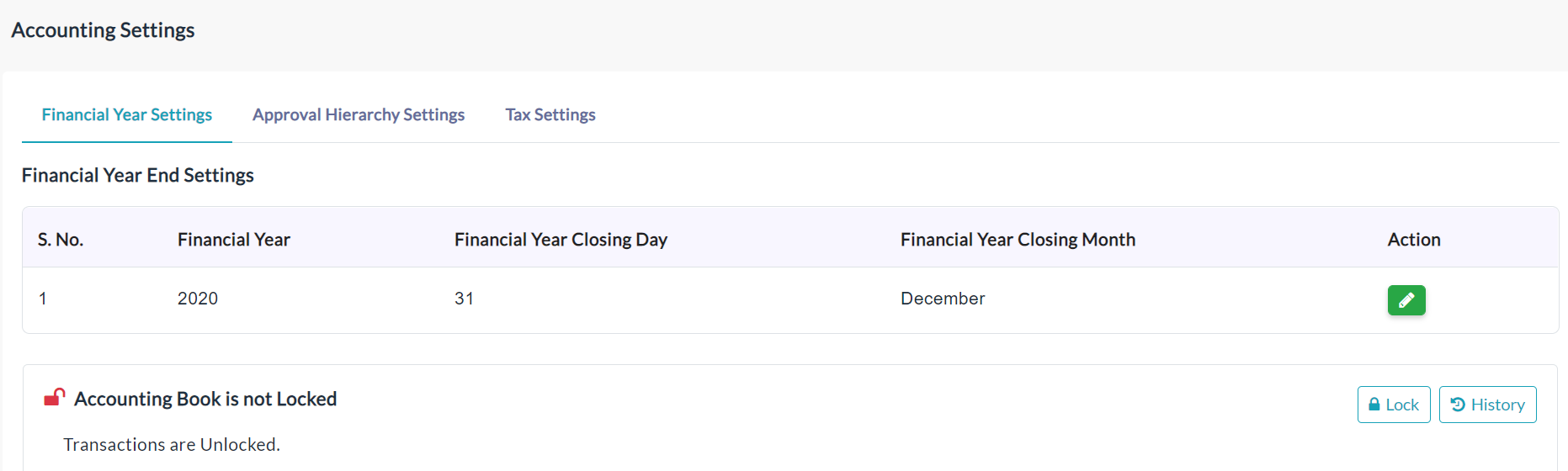
Financial Settings:
New Financial Settings:
- Click the Create a New Financial Settings button.
- A financial year settings form will be displayed.
- Enter the required data.
- Click Submit.
It displays the list of details of the financial settings.
Edit Financial Settings:
- In the Action section, click the Edit(Pencil Icon) option.
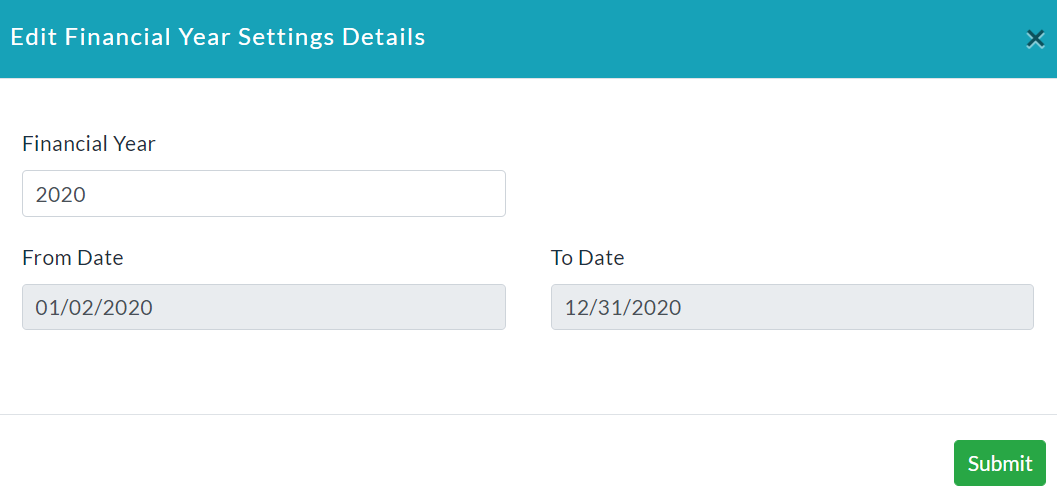
- An edit financial year settings details form will be displayed.
- Make your changes, then click Submit.
Tax Settings:
New Tax Settings:
- Click the Create a New Tax Settings button.
- A tax settings form will be displayed.
- Enter the required data.
- Click Submit.
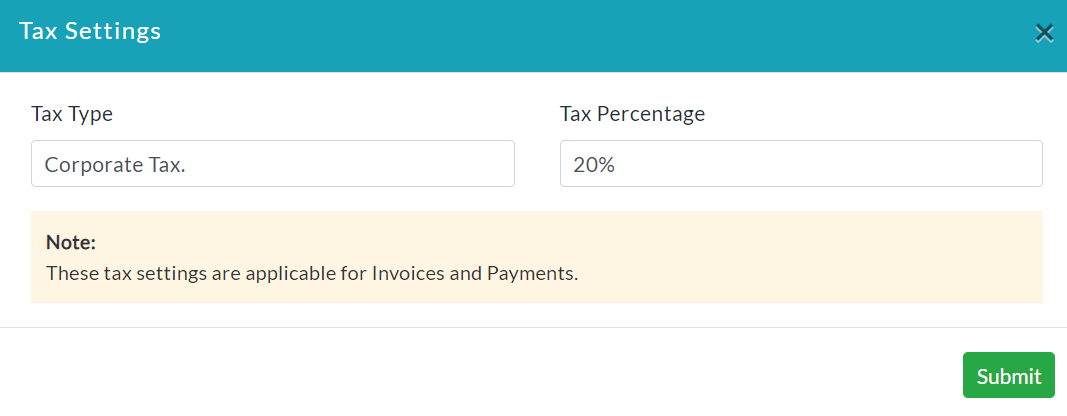
It displays the list of details of the tax settings.
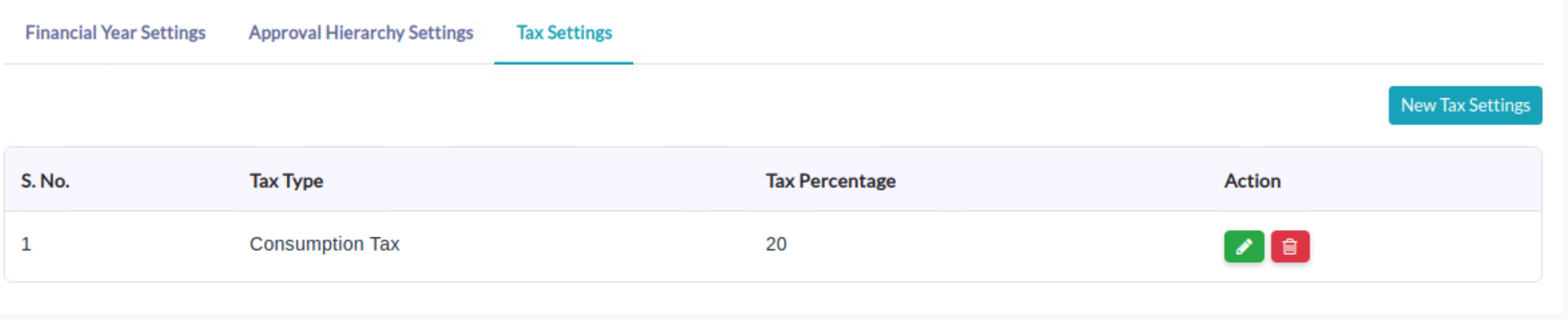
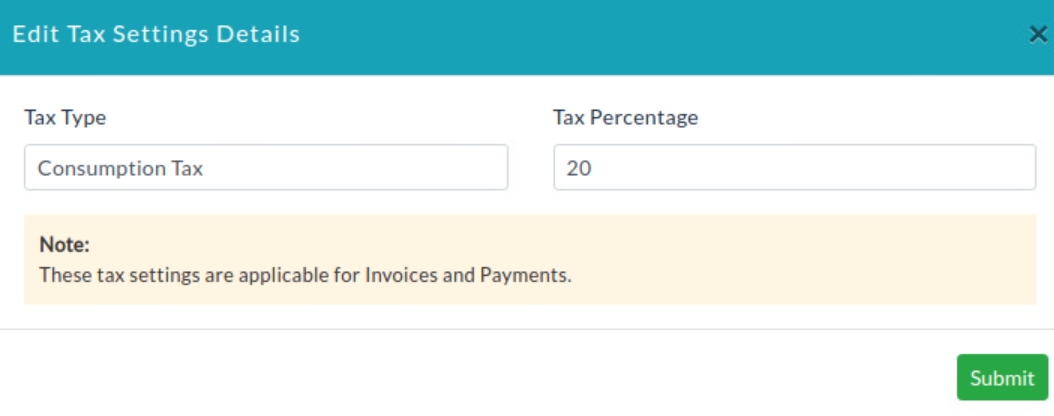
Edit Tax Setting Details:
- In the Action section, click the Edit(Pencil Icon) option for editing the details of individual tax.
- Make your changes, then click Submit.
Created with the Personal Edition of HelpNDoc: Free Web Help generator