Designation Types Creation
Designation Types:
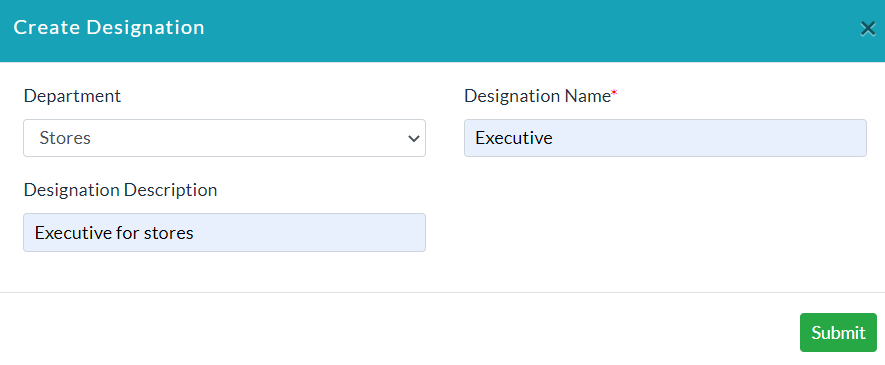
Add Designation Type:
- Click Create Designation.
- Enter the specific data in sections.
- Click Submit.
- Lists of designation types are displayed.
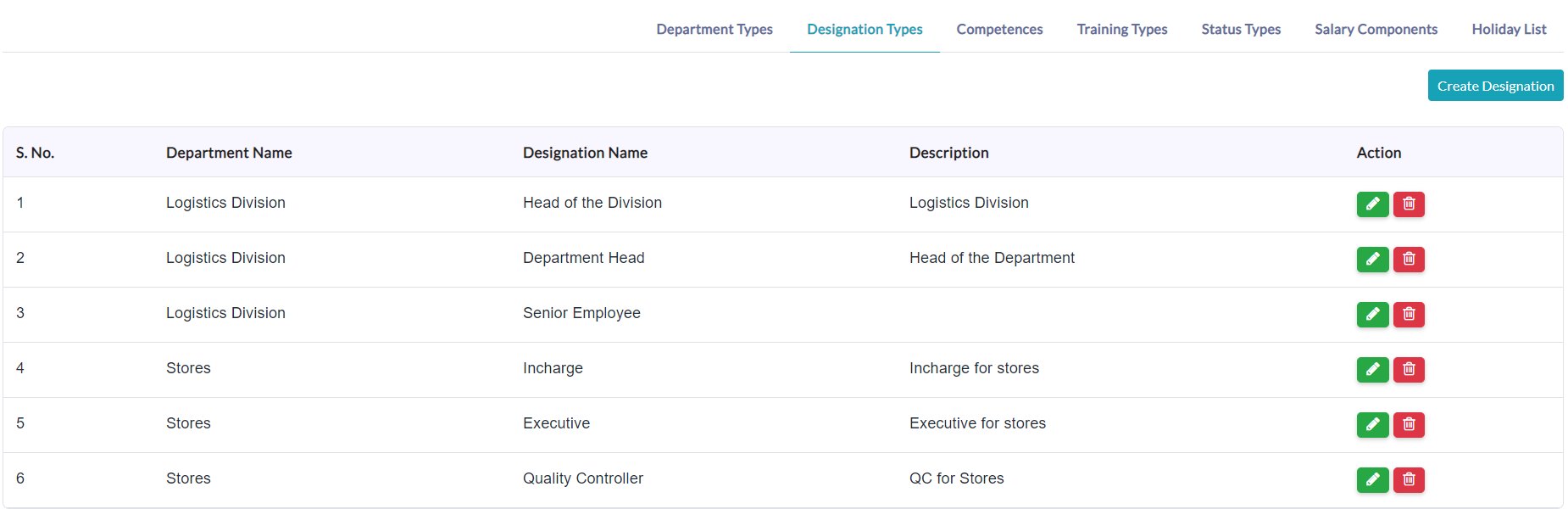
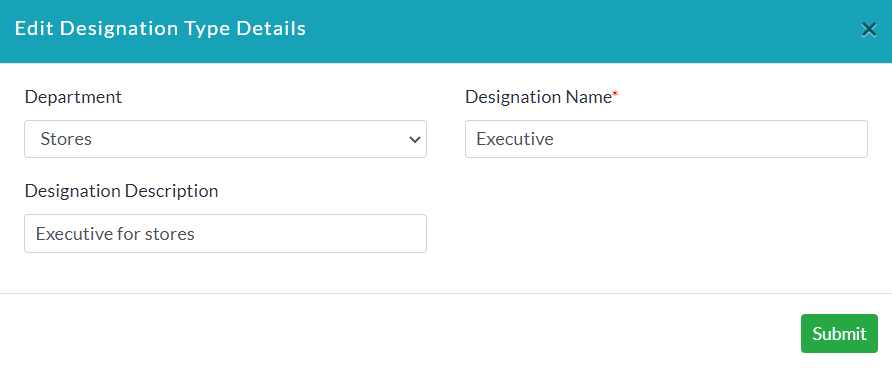
Edit Designation Type Details:
- In the Action section, click the Edit(Pencil Icon) option for editing the details of individual designation types.
- Make your changes, then click Submit.
Delete Designation Type:
In the Action section, click the Delete (Bin Icon) option for deleting details of specific designation type.

Created with the Personal Edition of HelpNDoc: Easy CHM and documentation editor